
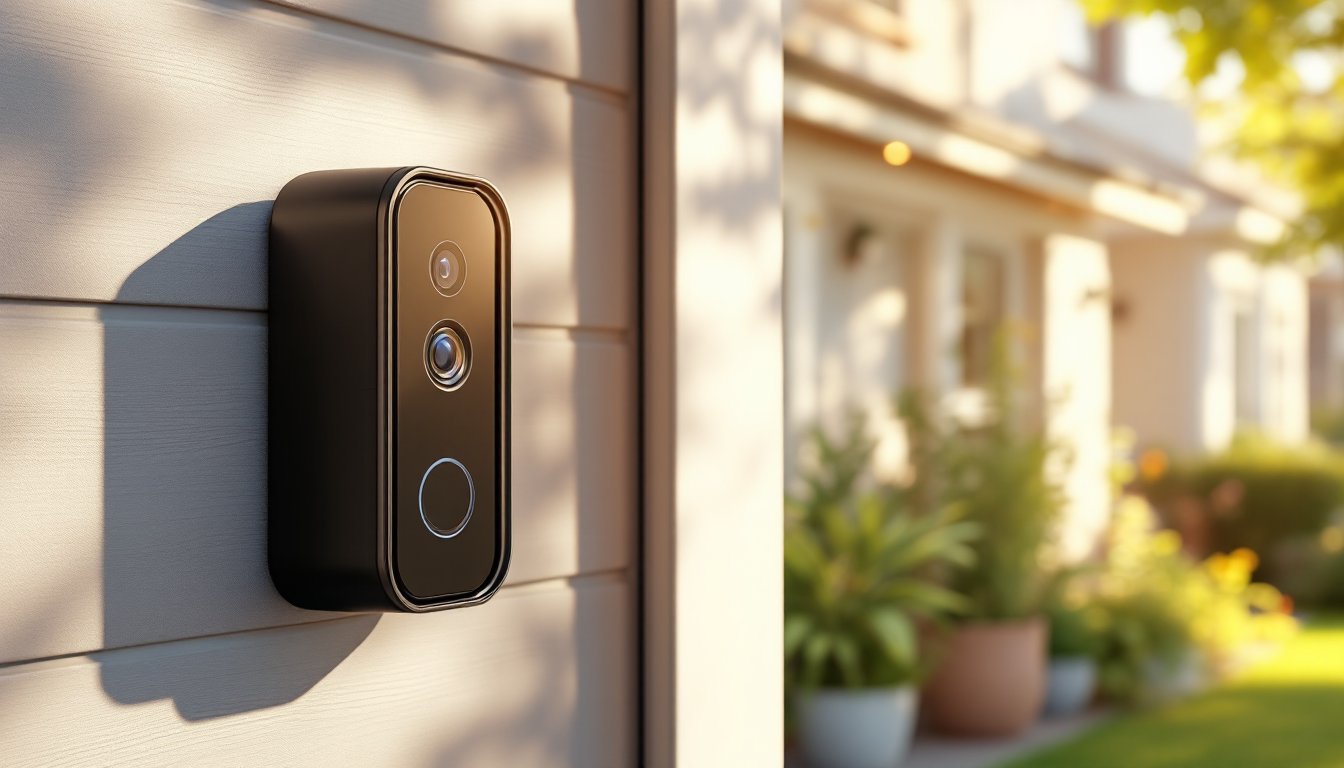

Smart doorbells have moved from luxury add-ons to practical security staples, and the Aqara Smart Video Doorbell G4 sits at the intersection of affordability and capability. If someone’s renovating their entryway or upgrading their home security system, they’ll want a doorbell that doesn’t require rewiring their existing chime or depend on a subscription service just to see who’s at the door. The G4 delivers solid 2K video, local storage options, and seamless smart home integration, without the enterprise-level complexity or price tag. This guide walks through what makes the G4 tick, how to install it, and whether it’s the right fit for a DIYer’s home setup.
Key Takeaways
- The Aqara Smart Video Doorbell G4 delivers 2K video and local storage without mandatory subscriptions, making it ideal for privacy-conscious DIYers seeking control over their security footage.
- Installation is straightforward for existing wired doorbell setups, requiring only a screwdriver and wire strippers, and the G4 works with standard 16–24V doorbell wiring without rewiring or drilling.
- The 166-degree field of view and infrared night vision provide clear identification of faces and packages at distances, with motion notifications arriving within 2–3 seconds over local WiFi.
- Local storage on a microSD card eliminates cloud dependency and subscription costs, though remote access requires HomeKit, Aqara Hub, or active WiFi connectivity.
- The Aqara Smart Video Doorbell G4 integrates seamlessly with Apple HomeKit for encrypted, local-first control and works with broader smart home routines across multiple ecosystems at a competitive $100–$150 price point.
What Is the Aqara Smart Video Doorbell G4?
The Aqara Smart Video Doorbell G4 is a wired or battery-powered video doorbell designed for homeowners who want reliable door security without vendor lock-in or monthly subscription fees. Unlike Ring or Logitech doorbells that push cloud storage hard, the G4 stores footage locally on a microSD card or a networked hub, giving users control over their data.
This is a camera that actually fits the DIY ethos: it works with standard 16-24V doorbell wiring (if someone’s house already has a mechanical chime), requires no drilling or masonry work if replacing an existing doorbell, and integrates with Aqara’s open ecosystem or Apple HomeKit. It’s not trying to be a Ring competitor by locking buyers into proprietary cloud services: instead, it prioritizes local processing and flexibility. For someone who values privacy and doesn’t want to subsidize cloud subscriptions, that’s a meaningful difference.
Key Features and Specifications
Video Quality and Night Vision
The G4 ships with a 2K (2560×1920) sensor, producing clearer images than standard 1080p doorbells, especially useful when someone needs to read a package label or identify a visitor’s face. The wide 166-degree field of view captures the entire porch without requiring wide-angle distortion, and 8x digital zoom lets users crop into details during playback.
Night vision uses infrared LEDs with a reported range of 5 meters, which covers most front stoops adequately. The camera does not use color night vision like higher-end Ring models, but local testing shows the IR quality is clean and serviceable for identifying people and vehicles at night. For a doorbell in the $100–$150 range, that’s competitive.
The G4 also includes a PIR (passive infrared) motion sensor that triggers recording and notifications, reducing false alarms compared to continuous logging. Customizable detection zones and sensitivity settings help fine-tune when the doorbell actually alerts the homeowner.
Smart Home Integration
The Aqara Hub M1S (sold separately for ~$100) acts as the local brain, storing footage and routing automations without cloud dependency. But, the G4 also works standalone over WiFi with local access, or syncs with Apple HomeKit for encrypted, local-first control through iOS devices. This is important: someone with Apple hardware gets HomeKit Secure Video support, meaning video footage doesn’t count toward iCloud storage.
For users outside the Apple ecosystem, the Aqara app handles scheduling, alerts, and playback. Two-way audio is supported, so users can speak through the doorbell like any modern model. Integration with broader smart home routines (turn on lights when motion detected, unlock the door for delivery drivers, etc.) depends on whether someone’s using HomeKit, Aqara, Google Home, or Alexa, each has different capability depth.
Installation and Setup Process
Installation is straightforward for anyone replacing an existing wired doorbell. If there’s already doorbell wiring in the wall, someone just removes the old button, identifies the two wires (usually red and black, or red and green), and connects them to the G4’s terminal block.
Tools needed: A screwdriver, wire strippers (to expose ~1/4 inch of wire if needed), and a multimeter to verify voltage. Safety warning: Turn off power at the breaker before touching any wires. Even low-voltage doorbell circuits can surprise.
For a battery-only setup (no wired connection), the G4 holds a charge for 3–4 months with typical motion activity, though that drops significantly in cold climates. Charging via micro-USB is straightforward, but wiring it instead eliminates battery maintenance entirely.
The setup process goes like this:
- Power off the existing doorbell at the breaker.
- Remove the old doorbell button or ring.
- Strip the two wires and insert them into the G4’s terminal block, tightening the screws.
- Restore power and verify the G4 receives 16–24V using a multimeter.
- Join the camera to the home WiFi network via the Aqara app.
- If using HomeKit, scan the HomeKit code on the back of the device.
- Set up motion detection zones, notification preferences, and recording schedules.
One important detail: if the existing doorbell wiring doesn’t supply adequate voltage, someone may need to upgrade the transformer. This isn’t a DIY task for most, it involves the breaker panel, and many jurisdictions require a licensed electrician for that work. Check local codes before attempting it.
MicroSD card insertion is hidden behind a waterproof cover on the side: a 64GB card stores roughly 7–14 days of motion-triggered footage depending on activity level. The G4 does not include a card, so purchasing one separately is necessary.
Real-World Performance and User Experience
In typical use, the G4’s 2K sensor makes a real difference. Package deliveries are legible, facial features are identifiable even at a distance, and the IR night vision doesn’t wash out details the way some cheaper models do. The 166-degree field of view is genuine, it captures both sides of the entrance without barrel distortion that makes faces look alien.
Motion notifications arrive within 2–3 seconds over local WiFi, which is fast enough to feel real-time. Users report fewer false positives than with doorbells that lack PIR filtering, though leaves blowing near the camera will still occasionally trigger alerts. Fine-tuning the detection zone in the app reduces that noise significantly.
Two-way audio quality is acceptable but not exceptional. The speaker is serviceable for “not home, package on side porch” type statements, but not crystal clear for longer conversations. It’s on par with budget Ring models and noticeably better than older Wyze doorbells.
The local storage approach is a major appeal. No subscription, no cloud dependency, no data sharing with third parties. For privacy-conscious homeowners, that’s worth the slightly steeper learning curve compared to Ring’s polished app. The tradeoff is that remote access requires either HomeKit, Aqara Hub, or active WiFi connectivity, if the home network goes down, remote playback stops.
Battery life on wireless mode is realistic but not exceptional. Someone should plan to charge monthly in active use, more frequently if it’s cold. Many homeowners choose wired installation specifically to avoid that maintenance.
Conclusion
The Aqara Smart Video Doorbell G4 is a solid choice for DIYers and privacy-focused homeowners who don’t want to rent their security footage or deal with subscriptions. The 2K video, local storage, and straightforward wired installation make it practical. It won’t outshine premium Ring models in app polish or ecosystem breadth, but for the price, and for users prioritizing control over convenience, it delivers genuine value. Whether it’s the right fit depends on whether someone already has wired doorbell infrastructure and whether they’re comfortable with Aqara’s or Apple HomeKit’s ecosystem. For most DIY installations, it’s a low-risk upgrade with meaningful security benefits.