
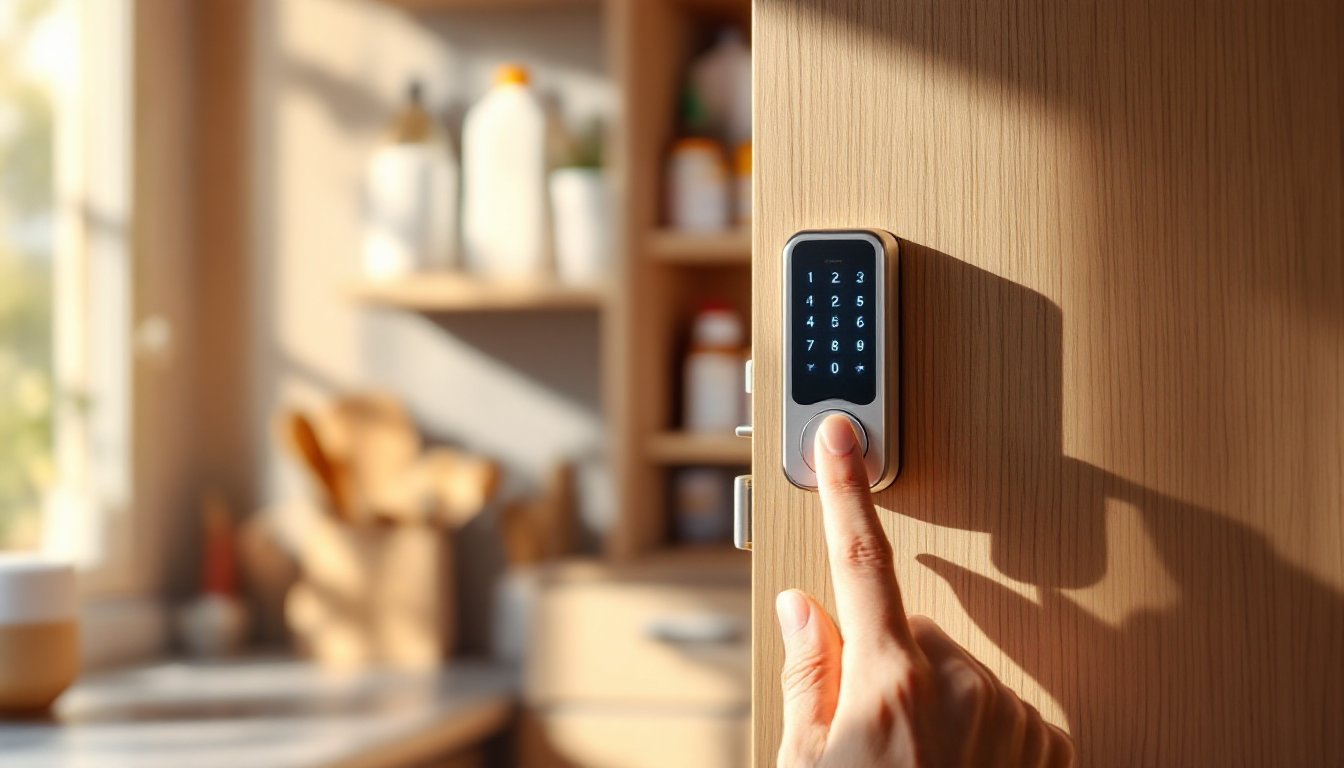

Smart cabinet locks have quietly become one of the most practical upgrades homeowners can make, and they’re no longer just for high-end security systems. Whether protecting medications from curious kids, securing valuables, or keeping power tools away from unauthorized hands, these locks combine convenience with real peace of mind. Unlike traditional deadbolts or keyed cabinets that require managing lost keys and rekeying, smart cabinet locks offer keyless access, remote monitoring, and integration with home automation systems. They’re affordable enough for any home, install in under an hour on most cabinetry, and require no structural modifications or permits. If you’re thinking about adding a layer of security to your home, understanding what these locks do, and how they fit into your daily life, is the smart first step.
Key Takeaways
- Smart cabinet locks provide keyless access through keypads, biometric sensors, or smartphone apps, eliminating the hassle of managing lost keys while offering real-time access logging and notifications.
- Mid-range smart cabinet locks ($80–$150) with biometric fingerprint readers offer the best balance of security, convenience, and affordability for most homeowners protecting medications, tools, and valuables.
- Multiple access control methods—including numeric codes, fingerprints, smartphone apps, and RFID cards—let you choose the solution that best fits your family’s needs and lifestyle.
- Smart cabinet locks integrate seamlessly with home automation systems like Apple HomeKit, Alexa, and Google Home, enabling voice control and automated routines that enhance both convenience and security.
- These locks install in under an hour without structural modifications, last five years or more with basic battery maintenance, and eliminate the need to hide keys or worry about unauthorized access to hazardous materials and valuables.
What Is a Smart Cabinet Lock?
A smart cabinet lock is an electronic locking mechanism designed to secure cabinet doors, drawers, and other furniture without traditional keys or combination locks. Instead of a physical key, it uses electronic access methods like keypads, biometric sensors, or smartphone apps to grant or deny entry. The lock mechanism itself is typically an electronic solenoid (a magnetic bolt) that extends or retracts based on authentication.
Unlike a regular cabinet lock that simply prevents turning a handle, a smart lock actively tracks who accessed the cabinet and when. Some models send notifications to your phone whenever someone opens a secured drawer. Others log access history so you know exactly when medications were last taken or tools were borrowed. They’re mounted directly onto cabinet frames or inside drawers, replacing or supplementing existing hardware, no demolition required.
These locks vary in sophistication and cost. Budget models ($40–$80) offer basic keypad or app-based access with minimal logging. Mid-range options ($80–$150) add biometric fingerprint readers and better app integration. Premium models ($150+) include 4G connectivity, backup power, and compatibility with major smart home systems like Apple Home or Google Home. For most homeowners, mid-range locks strike the right balance between capability and price.
Key Features and Technology
Access Control Methods
Smart cabinet locks offer multiple ways to grant access, letting you choose what works best for your household. A numeric keypad is the most common entry method, users enter a 4–6 digit code to unlock the cabinet. Some models store up to 20 different codes, each tied to a specific person, so you know who opened what and when.
Biometric fingerprint readers add security and convenience if you’re tired of codes. Authorized users simply touch the sensor, and the lock recognizes their fingerprint within a second or two. Smartphone app control is increasingly standard: owners unlock cabinets remotely via iOS or Android apps. This is handy if a family member needs access while you’re away, or if you want to revoke access instantly without changing codes.
RFID and NFC cards (wireless proximity cards) work like hotel key cards, tap the card near the lock to open. RFID is best for homes with young children who can lose or destroy codes and biometric readers. A few premium models use facial recognition or voice commands, though these remain less common on budget-friendly cabinet locks.
Connectivity and Integration
Most smart cabinet locks use Bluetooth to communicate with your smartphone over short distances (typically 30–100 feet). Bluetooth models are affordable and don’t require a separate hub, but they won’t work remotely if you’re away from home. For true remote access from anywhere, look for models with Wi-Fi connectivity or those that sync to a hub.
HomeKits, Alexa, and Google Home compatibility is increasingly available. If your home already uses one of these ecosystems, choosing a compatible lock means you can voice-control access or create automation routines (for example, automatically unlocking at 3 p.m. when kids get home from school, then re-locking at bedtime). Logging and notifications often sync to these platforms, so access history appears alongside other smart home data.
Power and backup matter more than many first-time buyers realize. Most smart locks run on replaceable AA or AAA batteries and last 6–12 months per set. Check the manufacturer’s specs, some drain batteries faster if the lock is accessed frequently. Premium models include rechargeable lithium batteries or USB charging ports. Emergency mechanical keys are standard on all quality models: if the battery dies, you can still unlock using a physical backup key.
Benefits for Homeowners and Families
Smart cabinet locks solve real problems that traditional locks simply can’t address. If you have young children at home, securing medications, cleaning supplies, or small parts is non-negotiable. A keypad or fingerprint lock keeps dangerous items out of reach while eliminating the need to hide keys under flowerpots or in desk drawers, places kids inevitably discover.
For households with multiple users, think shared tools in a garage, medicines in a guest bathroom, or expensive equipment, access logging is a game-changer. You can set different codes for different family members or grant temporary access to contractors, housekeepers, or pet sitters without giving them a key to your entire home. When access is revoked or someone’s code expires, the lock immediately stops recognizing it.
Remote access adds flexibility without sacrificing security. A parent working late can unlock a cabinet for an adult child at home. You can verify whether someone actually used an emergency medication or just said they did. Some homeowners use smart locks on storage cabinets in home offices to prevent work-from-home distractions, then unlock them only at scheduled times.
They also eliminate the hassle of lost or misplaced keys. Kids lose keys constantly. Renters avoid damaging cabinetry with lock picks when they forget combinations. Over a home’s lifetime, the convenience and peace of mind justify the modest upfront cost. Most locks are durable enough to last five years or more with basic battery maintenance.
Choosing the Right Smart Cabinet Lock
Before shopping, ask yourself three questions: Who needs access, what am I protecting, and where will the lock live?
Budget-conscious buyers should prioritize reliability and ease of setup. A Bluetooth keypad lock in the $40–$80 range works well for a single cabinet in a garage or a medicine cabinet in a main bathroom. Verify battery life in the specs and check user reviews for how often the keypad becomes unresponsive, cheap models sometimes develop dead spots on buttons.
Families with young children benefit from biometric models ($80–$150) because fingerprints can’t be forgotten, guessed, or shared easily. Confirm the sensor works reliably in low light if the cabinet is in a dim corner. Test the demo unit in the store if possible: finicky sensors frustrate quickly.
Multi-unit and smart home users should confirm compatibility before buying. If your home runs on Apple HomeKit, a HomeKit-certified lock will integrate seamlessly. If you’re heavily invested in Alexa or Google, verify the lock brand and model work with your ecosystem, not all do, even though marketing claims.
Installation considerations matter: Most smart locks screw or bolt directly onto existing cabinet hardware. Check the cabinet’s construction, solid wood, plywood, or MDF, to ensure the mounting hardware will grip securely. Thin veneered cabinet sides may not provide enough material for solid mounting. Measure your cabinet’s stile width (the vertical framing piece where the lock mounts) and confirm the lock you choose fits.
Brands worth researching include established names in smart home security and newer companies specializing in cabinet locks. Read verified customer reviews across multiple sources, not just the manufacturer’s site. Pay attention to comments about battery life, customer service responsiveness, and long-term reliability. Avoid ultra-cheap models on marketplace sites with minimal reviews, the $25 lock that fails after two months costs more in frustration than a reliable $70 option.
Conclusion
Smart cabinet locks transform how homeowners think about security and access control. They’re no longer luxury add-ons, they’re practical tools for protecting medications, valuables, and hazardous materials while simplifying daily life. Whether you need a single keypad lock for a garage storage cabinet or a whole-home system with remote access and logging, options exist at nearly every price point. The key is matching the lock’s features and connectivity to your actual needs, confirming installation will work with your cabinetry, and choosing a brand with solid reliability ratings. In 2026, a smart cabinet lock is one of the smartest investments a homeowner can make.