
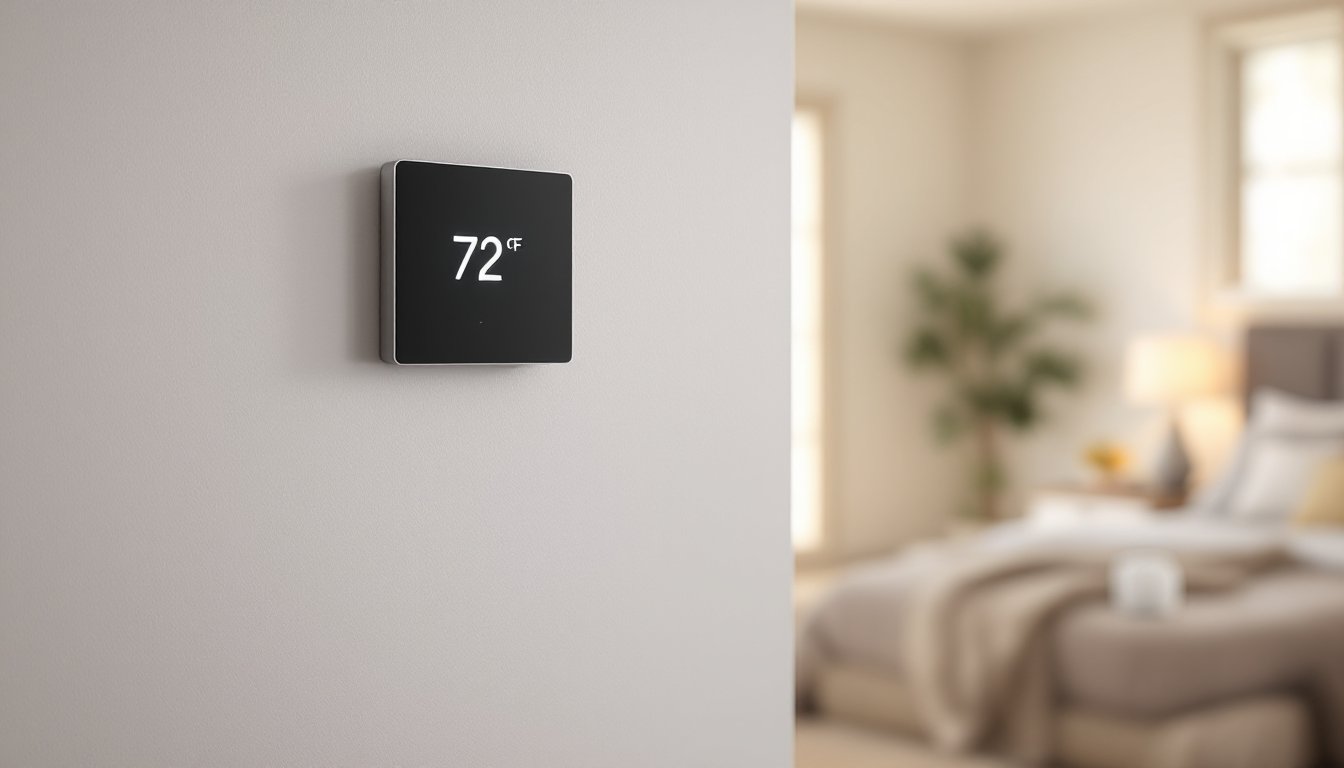

Choosing the right smart thermostat is one of the easiest wins in home improvement, no permits, no framing, and real savings show up on your utility bill. Honeywell smart thermostats deliver solid reliability and tight integration with existing heating and cooling systems, making them a dependable choice for homeowners tackling climate control upgrades. Whether someone needs basic automation or deep smart-home integration, Honeywell’s lineup offers options at different price points and feature levels. This guide breaks down the models, key features, and practical installation considerations so readers can pick the right unit for their setup without guesswork.
Key Takeaways
- The best Honeywell smart thermostat depends on your needs—the T9 excels in multi-level homes with zone control, while the T8 offers excellent value for basic automation and remote access.
- Honeywell smart thermostats cut heating and cooling costs by 10–15% annually on average, with potential savings reaching 20% when combined with geofencing and smart scheduling.
- All Honeywell models require 24V control voltage compatibility; confirm your furnace or heat pump uses 24V before purchasing to avoid incompatibility issues.
- DIY installation is straightforward for most homeowners—match wires to terminals, enable smartphone and smart home integration (Alexa, Google Home, HomeKit), and expect payback within 1–3 years.
- Smart home integration and geofencing maximize savings only when actively used; scheduling automations and leaving your phone location services enabled transforms the thermostat’s energy-saving potential.
Top Honeywell Smart Thermostat Models Compared
Honeywell’s current lineup includes several standout models, each suited to different needs and budgets.
The Honeywell Home T9 is the flagship. It learns household patterns, adjusts temperature zones with a wireless remote sensor, and syncs with most HVAC systems. The sensor lets homeowners monitor comfort in a specific room, say the master bedroom, rather than relying on thermostat location alone. It’s HomeKit, Alexa, and Google Home compatible.
The Honeywell Home T8 offers a leaner feature set: automation and remote access via smartphone without the room sensor. It’s a solid middle ground for those wanting smart control without the premium price tag.
The Honeywell Lyric (still available in some markets) brings geofencing, the system knows when someone leaves or arrives home and adjusts temperature automatically. Geofencing can save 5–10% on heating/cooling costs for those with predictable schedules.
The Honeywell T6 Pro Z-Wave targets those already invested in Z-Wave smart home ecosystems. Z-Wave is reliable for home automation but less ubiquitous than WiFi, so this works best for established smart-home setups, not first-time buyers.
Each model supports standard 24V heating/cooling systems. Homeowners should confirm their furnace or heat pump uses 24V control voltage before purchasing, incompatibility is rare but worth a quick check.
Key Features To Look For
Smart scheduling ranks high on the priority list. Honeywell thermostats allow 7-day or even per-day custom schedules, so someone can lower temperature at night and raise it before waking. This beats manual adjustment and works whether or not anyone’s home.
Geofencing and mobile app control are convenience multipliers. A homeowner on the road can bump up heat 30 minutes before arrival, avoiding a cold house. The Honeywell mobile app loads quickly and shows real-time furnace/AC activity, useful for troubleshooting.
Energy reports break down heating and cooling usage by day or week, spotting patterns like “this month uses 18% more than last month.” Over time, these insights shape better habits.
Weather-aware hold is a subtle win. The system can pause scheduled adjustments if outdoor temperature spikes or drops, preventing the AC from cycling on a 45-degree morning just because the schedule said cool to 72°F.
Zone control with remote sensors (standard on T9, optional on some models) takes accuracy further. Instead of trusting the hallway thermostat, the system weighs temperature in occupied rooms. Someone sleeping in a cool bedroom won’t overheat the whole house.
Smart home integration matters if someone already uses Alexa, Google Home, or HomeKit. Honeywell models support all three, voice commands like “set temperature to 68” work seamlessly, and automations layer in (e.g., “when we leave, cool to 76°F”). Confirm compatibility with the specific ecosystem before buying.
Energy Savings and Cost Benefits
Actual savings depend on climate, home size, and how much someone adjusts temperature manually today. On average, a programmed smart thermostat cuts heating and cooling costs by 10–15% annually. For a household spending $1,500/year on HVAC, that’s $150–225 back in the wallet.
Geofencing compounds savings. If someone commutes 5 days a week and lets the system know, it can hold back heating or cooling during work hours. Over a season, that behavior can push savings toward 20%.
Zone control (like the T9’s remote sensor) prevents wasteful overheating or overcooling. Instead of conditioning the entire house to match one room’s preference, the system balances comfort across priority zones. Real-world impact: 5–10% additional savings in multi-level homes.
Payback period varies. A basic smart thermostat costs $100–300 installed: a premium model with sensors runs $300–500. At $150–300 in annual savings, payback hits in 1–3 years, and the thermostat keeps saving long after that.
One realistic note: smart thermostats don’t save energy on their own. The person using them saves energy. A homeowner who ignores schedules and runs AC 24/7 won’t see benefits. Those willing to adjust or automate schedules reap rewards.
Installation and Compatibility
Installation is a straightforward DIY task for most homeowners, no electrician required (though permits vary by jurisdiction, check local rules first).
Before starting: Turn off the furnace or heat pump at the breaker. Remove the old thermostat and take a photo of the wiring terminals. Honeywell thermostats come with a quick-reference wiring diagram: match existing wires to terminals on the new unit. Common terminals are C (common/24V return), Rc (cooling), Rh (heating), Y (AC), G (fan), W (heat), O/B (reversing valve for heat pumps).
Most systems use a subset, a basic furnace might only need Rh, W, G, Y, and C. Heat pumps add O or B for the reversing valve. The Honeywell T9 ships with mounting hardware, labels, and clear instructions.
Compatibility gotchas:
- Older systems (especially 120V furnaces) won’t work: confirm 24V.
- Heat pumps need a defrost cycle wire (O or B). Without it, the system won’t reverse properly.
- Zoning systems require validation: some forced-air systems can’t adapt to multi-zone control.
If uncertainty exists, a 30-minute consultation with a local HVAC tech ($50–100) saves reinstall headaches. Many Honeywell dealers also install for $75–150, worth it for peace of mind.
Smart home compatibility requires WiFi. All current Honeywell models support 2.4 GHz and 5 GHz bands. Ensure the home network reaches the thermostat location, a weak signal means unreliable remote access.
Mobile App and Smart Home Integration
The Honeywell Home app is the command center. Users log in once, see all connected devices (thermostat, sensor, doorbell, etc.), and control temperature from anywhere. Real-time notifications alert when heating or cooling activates, useful for spotting short cycles or unexpected runtime.
Scheduling through the app is intuitive: set different temperatures for weekdays/weekends, or use templates (Sleep, Away, Home, Wake). Changes sync instantly to the thermostat.
Voice control transforms everyday use. “Alexa, set the house to 70 degrees” or “Hey Google, what’s the temperature?” Work without walking to the wall unit. Routines amplify this: “Goodnight” could lower heat, lock doors, and dim lights in one command.
Geofencing (available on select models) uses smartphone location to trigger automations. Leave the house, and temperature holds at 76°F to save energy: arrive home, and it returns to 72°F. Accuracy depends on phone GPS and background permissions, so results vary slightly.
Integration with other platforms like IFTTT or custom home automation systems is possible through Honewell’s API, though it requires technical setup beyond basic app use. For mainstream smart-home users, Alexa/Google/HomeKit integration is sufficient.
Data privacy matters. Review Honeywell’s privacy policy: the company doesn’t sell personal climate data to third parties, though it collects usage patterns for product improvement. That’s standard and transparent.
Which Honeywell Smart Thermostat Is Right For You?
Budget-conscious: The T8 or even a previous-generation T6 offers remote access, scheduling, and app control without paying for zone sensors or premium features. Expect $120–200.
Want maximum comfort: The T9 with remote sensor justifies the $300–400 price if the home has multiple levels, a finished basement, or sun exposure differences. Room-level control transforms comfort in those layouts.
Already using Z-Wave: The T6 Pro Z-Wave keeps everything on one network. Zigbee and Z-Wave are more reliable for mesh networks than WiFi in some scenarios, though WiFi models work fine for most.
Commute-heavy schedule: Geofencing (Lyric or T9 with the app) pays dividends if leaving and returning home follows a pattern. Set it and forget it: energy savings compound over months.
Renting or uncertain long-term: A basic model or previous-generation unit is smarter. There’s less to lose if relocating, and payback period is shorter.
Ask: Does the current HVAC system use 24V control? If not, any Honeywell model won’t work, that’s non-negotiable. Is there interest in other smart home devices (cameras, locks, lights)? If so, pick a thermostat that plays well with the chosen ecosystem. How much time can someone devote to setup and learning the app? Premium models offer more features but steeper learning curves.
Conclusion
Honeywell smart thermostats handle the fundamentals well: reliable control, broad compatibility, solid app experience, and meaningful energy savings for those who use scheduling and automation. The T9 leads the pack with zone sensing: the T8 offers great value for straightforward needs. Installation is a reachable DIY task for most homeowners, and long-term utility savings justify the upfront cost. Pick the model that matches the home’s layout and the user’s comfort priorities, confirm 24V compatibility upfront, and expect tangible results within the first heating or cooling season.