
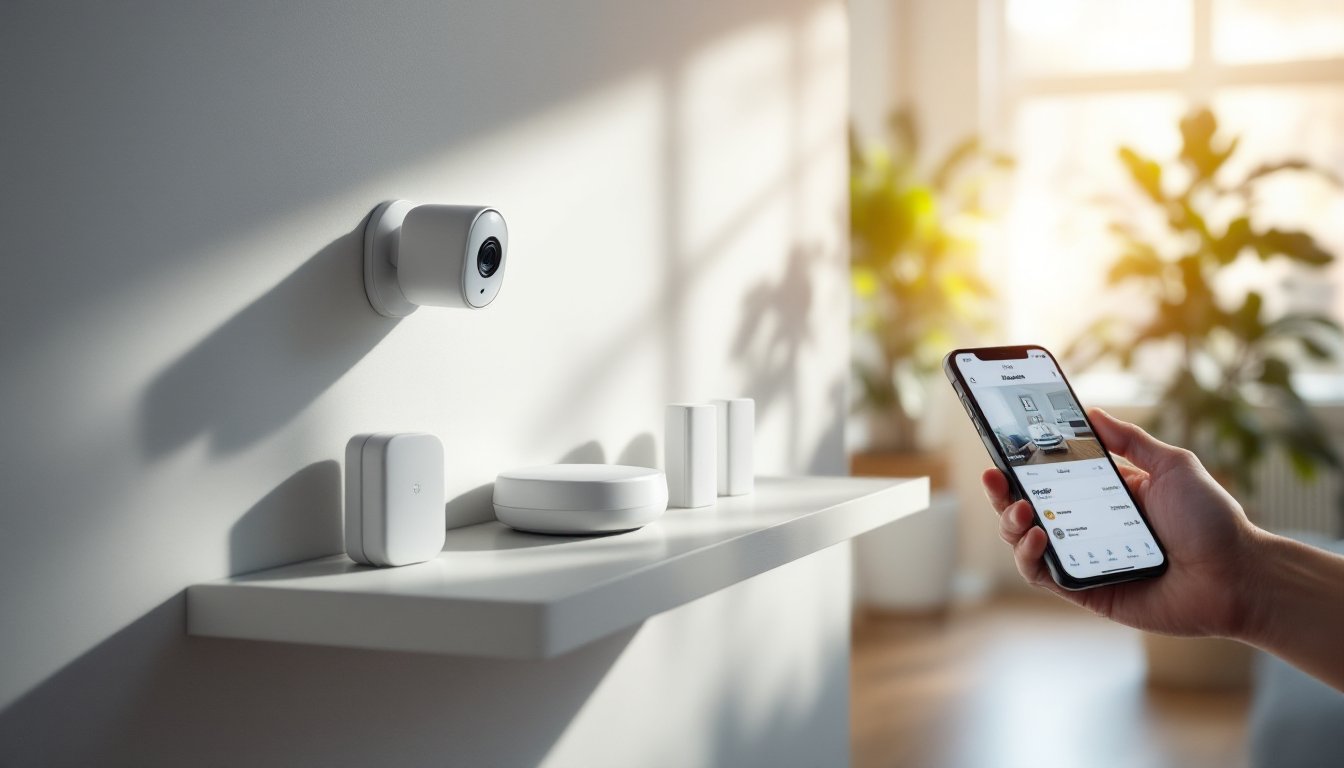

Home security no longer means relying on a landline alarm company and waiting days for installation. The Abode Smart Security Kit puts control directly in homeowners’ hands, literally, through a smartphone. This 2026 update brings improved connectivity, faster response times, and a modular setup that works for renters and permanent installations alike. Unlike expensive traditional systems that lock users into long contracts, Abode pairs DIY flexibility with optional professional monitoring, so homeowners choose their level of service. Whether someone’s protecting a single apartment or a full house, this guide walks through every component, setup step, and automation option to turn a basic kit into a complete security solution.
Key Takeaways
- The Abode Smart Security Kit eliminates expensive contracts and professional installation by offering DIY setup and optional professional monitoring starting at $20–$30 monthly.
- The 2026 Abode Smart Security Kit includes cellular backup and internet failover, ensuring security alerts continue even during internet outages.
- Setup takes under an hour with no special tools required—perfect for renters and homeowners who simply peel and stick adhesive sensors or use mounting strips.
- Automation and scenes let users create custom security rules like triggering hallway lights and notifications when doors open while armed, with no cloud processing delay.
- Flexible component pricing ($400–$600 for basic kits, $30–$150 per additional device) lets homeowners expand coverage gradually instead of buying everything upfront.
- Two-way audio, night vision, and event-based recording on Abode cameras provide visibility and deterrence without forced cloud storage, giving users control over their video data.
What Is the Abode Smart Security Kit?
The Abode Smart Security Kit is a DIY home security system that combines a hub, wireless sensors, cameras, and a mobile app into one integrated platform. Unlike traditional alarm systems requiring professional installation and long-term contracts, Abode lets homeowners install and manage everything themselves. The system works with or without professional 24/7 monitoring, meaning someone can start with basic self-monitoring and add professional service later if needed.
Abode’s real appeal lies in flexibility. It’s renter-friendly (no drilling into walls required for most sensors), expandable (add cameras and sensors as needed), and operates on cellular backup or internet failover so that internet outages don’t cripple security. The hub talks to all wireless components via encrypted signals, and the mobile app provides real-time alerts, video playback, and remote arm/disarm control from anywhere. This approach suits people who want professional-level protection without the professional-level price tag or commitment.
Key Features and Components
Hub, Cameras, and Sensors Explained
Every Abode Smart Security Kit starts with a hub, the central brain that connects all sensors, cameras, and the internet. The Abode Iota (the 2026 model hub) is compact enough to sit on a shelf, includes a built-in siren, and offers both WiFi and cellular backup connectivity. Cellular backup is critical: if internet goes down, the hub still sends alerts and communicates with professional monitoring (if active).
Cameras included typically feature 1080p or higher resolution, night vision, two-way audio, and cloud or local video storage options. The system supports both stationary cameras (ideal for entry points) and wireless models (placed anywhere without running cables). Unlike some systems, Abode doesn’t force cloud storage, local storage through a microSD card works too, giving privacy-conscious users control over where footage lives.
Sensors are the workhorse components. Door/window sensors detect when entrances open (typically magnetic reed switches on first use). Motion sensors use passive infrared to spot movement in rooms or hallways, useful for detecting intrusions or automating lights when someone comes home. Glasbreak sensors listen for the acoustic signature of breaking glass. Water sensors mount under sinks or near appliances to catch leaks early. All sensors are wireless, battery-powered, and typically last 2–3 years on a single battery set. Crucially, each sensor includes a status indicator and low-battery alerts so users know when replacements are due.
The system also supports abode glass smart locks and door control modules for keyless entry and remote lock management, practical for contractors, house sitters, or emergencies. Pairing door locks with automation rules (like “unlock when I arrive home”) saves fumbling for keys.
Easy Setup and Installation Process
Setup is genuinely straightforward and requires no special tools or electrical work, perfect for renters or those hesitant about DIY tech. Start by plugging in the Abode Iota hub to power and internet (wired Ethernet is best, but WiFi works). The hub will power on and enter pairing mode automatically.
Download the Abode mobile app and create an account or sign in. The app walks through adding the hub, which typically takes 2–3 minutes. Once the hub is online, the app guides users through pairing each sensor and camera. For door/window sensors, peel the adhesive backing and mount the sensor on the frame and magnet on the door, no screws required. Placement matters: position sensors so the magnet and sensor face each other directly. Test the signal by opening and closing the door: the app shows instant status.
Motion sensors mount in corners where they see the most coverage without false triggers from pets or moving plants. Tip: Position them above pet height (5+ feet) to avoid accidental trips from animals. Cameras need a clear view of entry doors and high-value areas: mount them 8–10 feet high for optimal facial recognition. Use the included adhesive strips for renters, or drill a small hole into drywall (easy with a 3/32-inch drill bit) for permanent installations.
Once all components are paired, the app shows a status dashboard with every sensor and camera. Set up push notifications for opened doors, motion detection, or line cuts. Most setups take under an hour, less if users aren’t overthinking sensor placement.
How to Use Abode’s Mobile App and Automation
The Abode app is the command center. From the home screen, users arm or disarm the system in seconds, view live camera feeds, check sensor status, and scroll recent activity logs. The app supports different armed modes: “Away” (all entry sensors alert), “Home” (perimeter only, allowing interior movement), and “Custom” (selectively arm specific zones). This flexibility prevents false alarms when someone’s home but wants door sensors active.
Automation and scenes are where Abode shines. Users can create rules like “If any door opens while armed, turn on the hallway light and send a notification.” Another example: “If motion is detected at the front door after sunset, record to the cloud and capture a snapshot.” Automations trigger instantly, no cloud processing delay. Advanced users can link actions to the Abode SmartThings integration or IFTTT, connecting the security system to third-party smart home devices.
Camera features include 24/7 continuous recording (with sufficient storage) or event-based recording (only when motion or alarms trigger). Two-way audio on cameras lets homeowners answer visitors or deter trespassers verbally. Night vision switches automatically, and video quality scales with available bandwidth so playback works even on slower connections. The app archives video for 30–90 days depending on storage settings, with older footage automatically deleted to free space.
Pricing, Plans, and Professional Monitoring Options
Kit pricing varies by components included. A basic Abode Smart Security Kit with a hub, one camera, and a few sensors runs around $400–$600 depending on the retailer and current promotions. Expanding the system, adding extra cameras, sensors, or smart locks, costs $30–$150 per device. This modular pricing means there’s no need to buy everything upfront.
Professional monitoring is optional and costs roughly $20–$30 per month. With monitoring active, the system alerts Abode’s monitoring center during an alarm, and dispatchers can contact emergency services if the homeowner doesn’t respond. This service is worth it for peace of mind if someone works long hours or travels frequently. Users without monitoring still get app alerts and can respond manually, perfectly fine for many setups.
Abode’s cellular backup (included with newer hubs) ensures communication even if internet fails. There’s no separate cellular fee, it’s baked in. Cloud storage for video is free (with limited retention) or $10–$15 monthly for extended cloud recording. Local storage via microSD cards costs nothing beyond the card itself. Unlike legacy alarm systems with multi-year contracts, Abode charges month-to-month, so users can pause monitoring anytime.
Conclusion
The Abode Smart Security Kit delivers professional-grade home protection without professional installation costs or locked-in contracts. From unboxing to live monitoring takes roughly an hour, and the modular design grows with homeowners’ needs. Whether used solo or paired with professional monitoring, Abode puts security control where it belongs, in the hands of the person protecting the home.